Giving users the ability to create placeholder text, especially useful for creators of templates, and users editing said templates.
Introduction
Notion — Placeholder text
This is a smaller project and effectively an idea, for a new basic block to be in Notion. The functionality for it is already seen in Notion when you create a new page the title is placeholder text until you replace it.
Role
User, Product Designer
Timeframe
1 day
Team
Myself
Tools


Problem
When creating template pages, new project pages and just about anytime I want to create something but not fill it in with content I have to use text, which means when I want to replace it I have to delete it first, then add the new text.
Notion itself already has the type of text I am looking to add the only issue is its only available when you create a new page, and the title of said page. I do believe the solutions would effectively behave the same way as the text seen below, I was more focused on exploring the interaction before this, utilizing Notions menus, modals etc. to apply this effect to text.
Solution
I had two paths, add it as a new block, or add it as a style on text you could add or remove, for example adding an underline.
Both have their benefits, and ultimately I explored both, re creating a Notion page in Figma so I could visualize and ultimately export and animate the interaction in Jitter to better understand it.
See both below,
Placeholder text
New Block
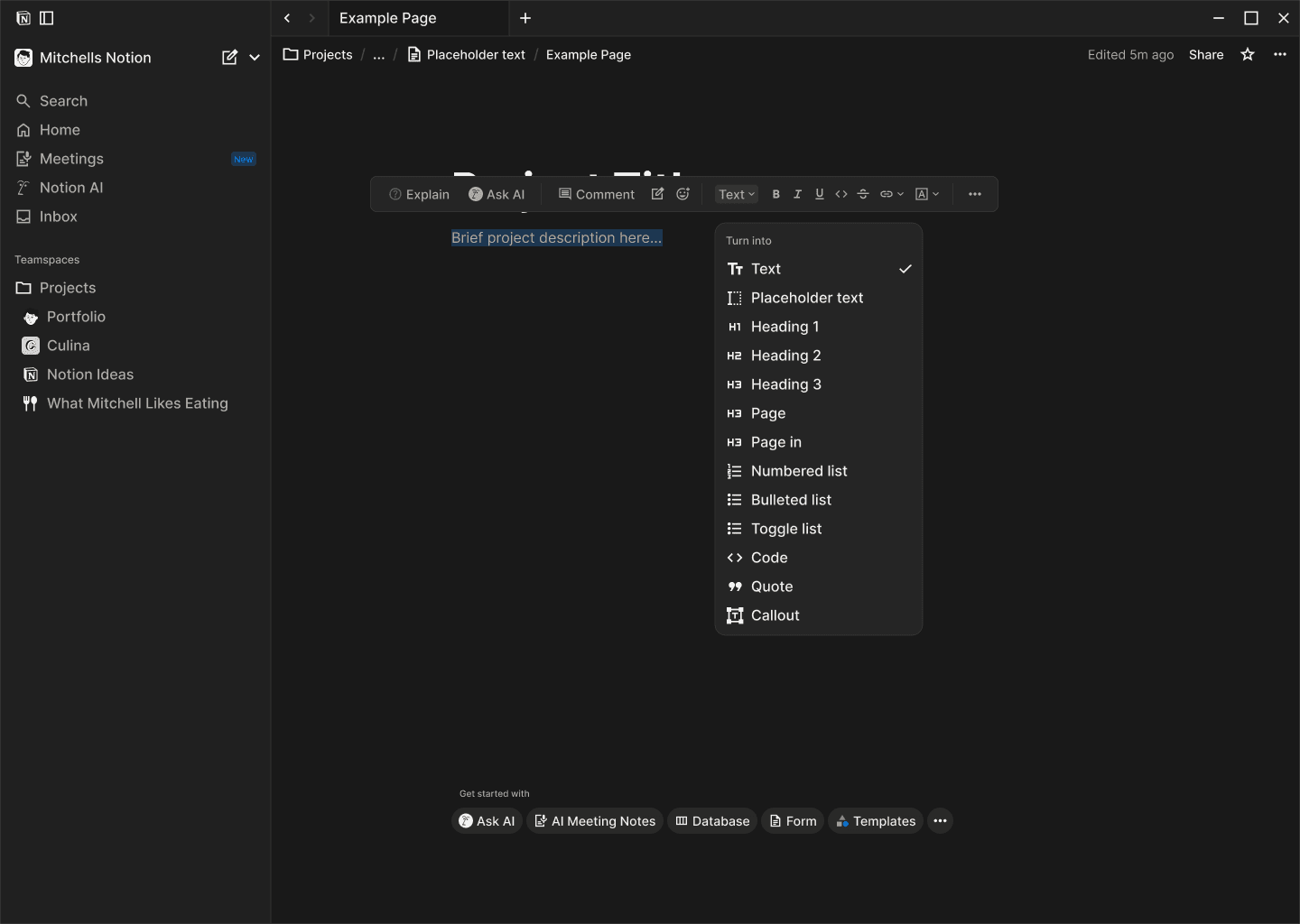
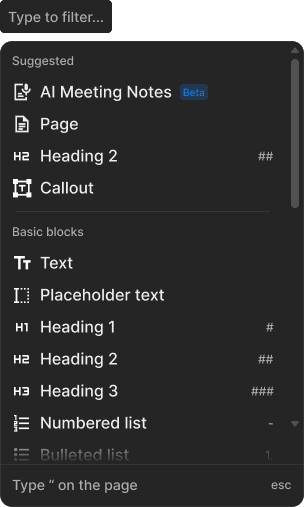
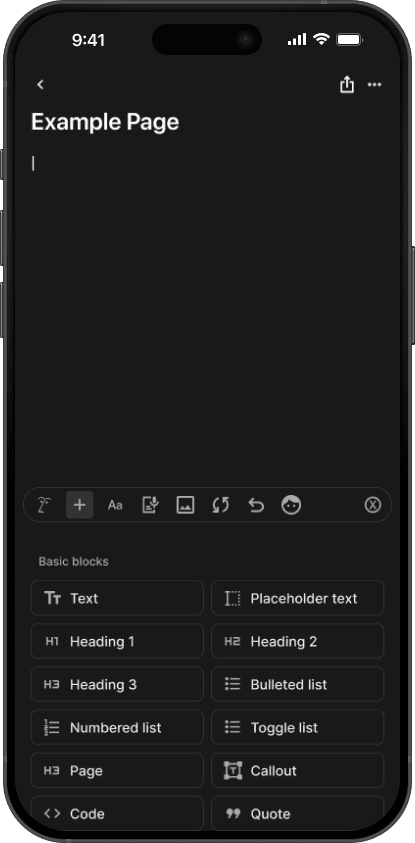
My first solution was to have the user turn existing text into the placeholder text block or insert from the “/” command. This presumably would mean only body text would or could be placeholder text.
I did believe this solution was the right direction and can still be added, with hindsight and just seeing it in action by animating the interaction in Jitter below, it raises the question of having to do multiple clicks. It also misses the fact this would mean only body text could be placeholder but in reality you would want any text, headings or body to be placeholder.

Placeholder text
New Text Style
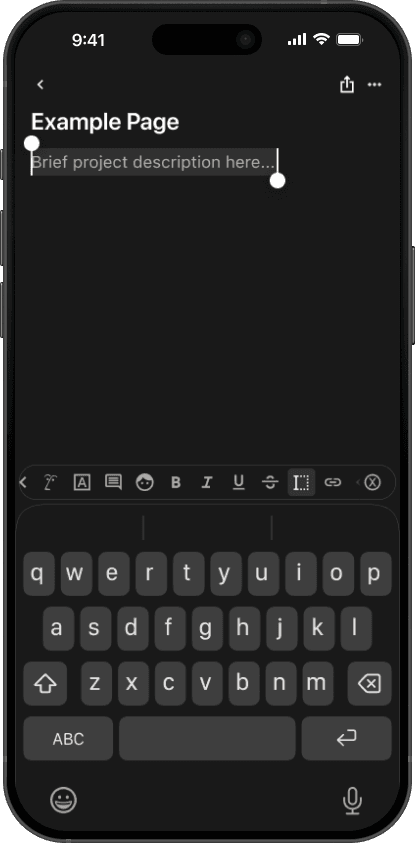
Second solution (thanks hindsight) was to have the user turn selected text by effectively adding it as a style, similar to how you can make text bold or give it an underline. This effectively makes it much simpler, and applies to all text.
I also assume this would make it easier to turn a lot of different text into placeholder text as you could simply select everything, headings or body text together. I think considering both solutions, this is the best one. It has the most flexibility, best user experience with less clicks because you don't need to separately turn headings and body into placeholder text.


Editing the Text
Quick example showcasing how you might use it, how the user would edit it, and basically how easy it would be for people editing templates to use.
This would probably be super useful in template pages you create. For example I use Notion to organise and save a gallery of meals/recipes I like and or can cook. When I want to add a new recipe I've created a template for that to ensure they are all sort of consistent and look similar/same with differences and exceptions for some things obviously. But to edit this template it means I have to delete all the "placeholder" text I've used, on desktop not too much of an issue but on mobile it can be painful.

Outcome
Visually comparing both interactions, I think its clear the second solution is the better choice, in all aspects, time, clicks, user experience, flexibility as you could select heading and body text to change it all in one go etc.
Although this was quite a small and even unfinished project to some extent, it was fun to try and explore how to add a feature I want to an existing tool, explaining the use case, and how it ultimately could be extremely valuable to more people then just myself. After some research it does seem like there are a few people wondering if they could have placeholder text in Notion.
My solutions are not full solutions, as they don't explore how text inside of the more complex blocks Notion offers. It might simply be a case of restricting the user from adding placeholder text to specific blocks but ultimately I would need to explore that more and see if there is an issue anywhere. But because the solution is alongside the other styles I don't imagine there would be much of an issue.